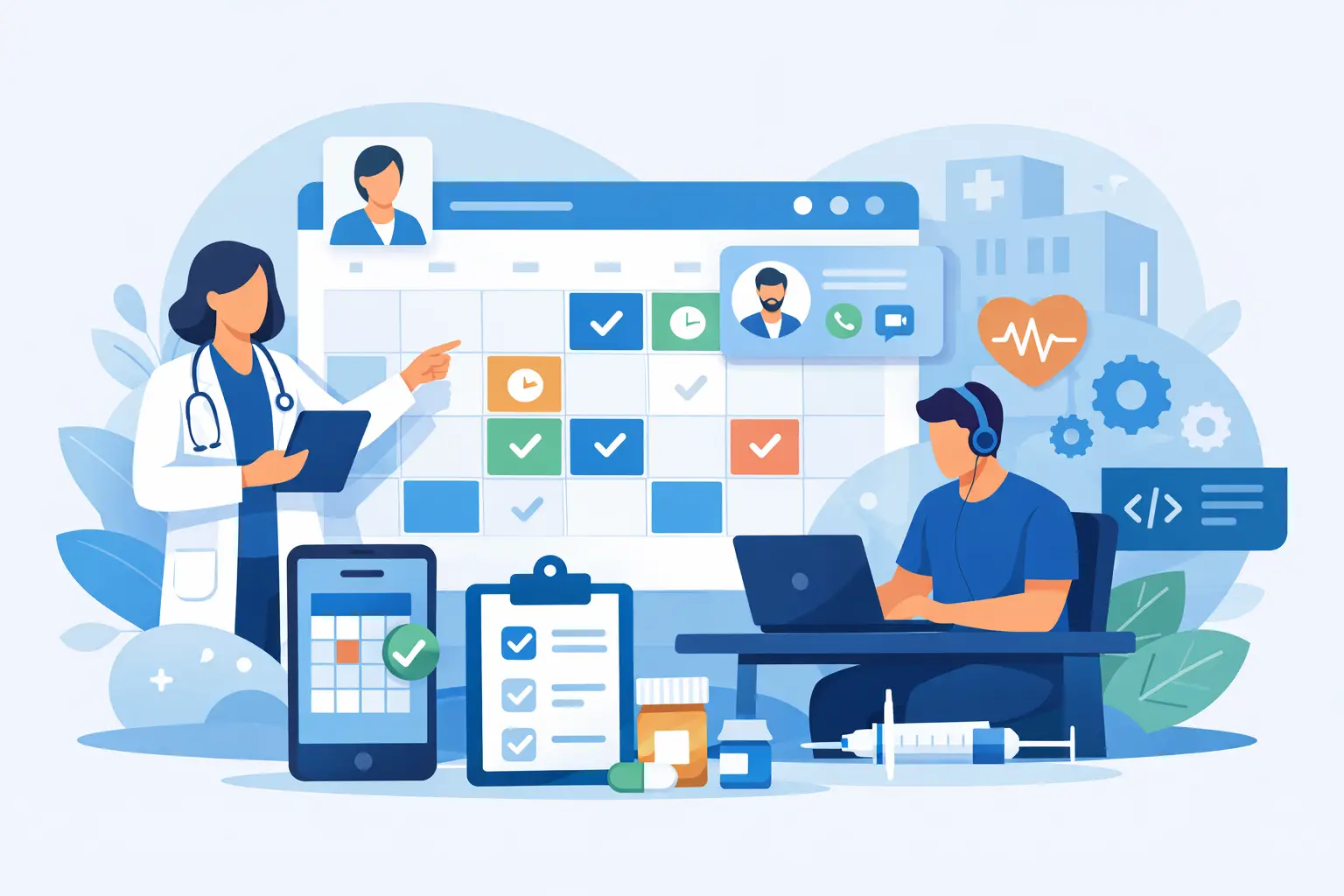
A missed appointment is more than an empty 30-minute slot. For a clinic, it can mean delayed care, lost revenue, an overloaded front desk, and a patient who may not return. Healthcare appointment scheduling software development addresses this operational gap by giving patients an easier path to book care while giving staff reliable control over calendars, capacity, and follow-up.
For founders, provider groups, and healthcare operations leaders, the question is rarely whether digital scheduling is needed. The real question is whether an off-the-shelf tool can support the way your organization actually delivers care. Specialty rules, provider availability, insurance workflows, virtual visits, multiple locations, and privacy requirements can quickly expose the limits of a generic calendar.
Why Scheduling Is a Healthcare Operations Problem
Appointment scheduling sits at the intersection of patient experience and clinical operations. A consumer may see it as a simple booking flow, but the software must account for the rules behind every available time slot. Can a new patient book with this provider? Does the visit require a referral? Is the appointment virtual or in person? Does a procedure need equipment, a room, or a pre-visit assessment?
When these rules are managed through calls, spreadsheets, disconnected portals, and staff knowledge, errors become common. Double bookings, incorrect appointment types, long hold times, and manual reminder work create friction for both patients and teams.
Custom scheduling software turns these hidden rules into a controlled workflow. It can present only valid appointment options, route requests to the right care team, and trigger the next action automatically. The result is not simply online booking. It is a more accountable operating model for access to care.
What Healthcare Appointment Scheduling Software Development Should Include
The right feature set depends on the care model. A solo telehealth practice does not need the same platform as a multi-location specialty network. Still, a well-planned product usually starts with a few core capabilities.
Patient booking built around real care journeys
Patients should be able to search by specialty, location, provider, service, visit type, or preferred time. The booking path needs clear language and minimal steps, especially for mobile users. However, reducing clicks should not remove needed screening questions. A patient seeking a specialist consultation may need to provide symptoms, referral details, or insurance information before a time can be confirmed.
The best approach is progressive. Ask only for information required at each point in the workflow, then carry that data into the staff dashboard or electronic health record workflow where appropriate.
Provider and resource calendar management
Provider schedules are rarely static. Clinicians may work across offices, reserve blocks for procedures, take virtual visits on certain days, or require buffers between complex consultations. The platform should support recurring availability, blocked time, appointment duration rules, location-specific calendars, and schedule overrides.
Resource scheduling matters just as much for many organizations. A visit may require an exam room, diagnostic equipment, interpreter support, or a care coordinator. If the system confirms a provider without confirming the required resource, the schedule may look full while operations remain unprepared.
Reminders, confirmations, and waitlist workflows
SMS, email, and push reminders can reduce missed appointments, but timing and message content matter. Some clinics benefit from a reminder several days before the visit, followed by a same-day prompt. Others need patients to actively confirm, complete intake forms, or reschedule from a secure link.
A digital waitlist is particularly valuable when demand is high. When an appointment is canceled, qualified patients can receive an offer based on provider, location, service type, and availability preferences. This helps recover capacity without requiring staff to call through a list manually.
Staff controls and exception handling
Automation should reduce routine work, not remove staff judgment. Administrators need tools to override booking rules, approve requests, move appointments, manage no-show records, and see why a slot was offered or blocked.
Exception handling should be designed early. Consider what happens when a clinician calls out sick, a patient needs urgent triage, a location closes unexpectedly, or an integration is temporarily unavailable. These situations are where poorly designed scheduling systems create the most operational stress.
Build vs. Buy: The Decision Depends on Workflow Complexity
Buying a ready-made scheduling product is often the right decision for a standard practice with limited customization needs. It can shorten implementation time and reduce initial cost. If the platform already integrates with the systems you use and supports your appointment rules, configuration may be enough.
Custom development becomes more compelling when scheduling is central to the business model or when existing tools force teams into manual workarounds. This is common for specialty care networks, hybrid telehealth providers, care marketplaces, diagnostic services, and organizations coordinating multiple service lines.
A custom platform can be designed around your patient intake process, operational policies, brand experience, and growth plans. It also gives you control over the data model and feature roadmap. The trade-off is that custom software requires stronger product decisions, defined ownership, and ongoing investment after launch.
A practical middle path is often available. A business can build a custom patient and operations layer while integrating with proven systems for messaging, payments, identity verification, video consultations, or electronic health records. This avoids rebuilding commodity capabilities while preserving control over the workflows that differentiate the service.
Integration and Security Cannot Be Afterthoughts
Scheduling software rarely operates alone. It may need to exchange data with an EHR or practice management system, patient relationship management platform, billing tools, telehealth services, calendars, and analytics software. Integration planning should begin before interface design, not after the application is nearly complete.
First, identify the source of truth for providers, patients, appointment records, and availability. Without this clarity, teams can create duplicate records or conflicting calendars. Next, define what data should move between systems, when it should sync, and what happens if an external system fails to respond.
Healthcare data also requires a disciplined security approach. The product should apply role-based access, encrypted data transmission and storage, audit logs, secure authentication, session controls, and data retention policies aligned with organizational and regulatory obligations. For US healthcare organizations, HIPAA considerations affect architecture, vendor selection, access controls, and operational processes.
Compliance is not a feature added near launch. It is a delivery requirement that shapes how the application is planned, built, tested, and maintained.
A Delivery Plan That Protects Speed and Quality
Teams often lose time by attempting to launch every scheduling capability at once. A focused MVP is usually more effective when it solves a high-value problem for a defined patient group. For example, the first release may support new-patient booking for two locations, automated reminders, and a staff scheduling dashboard. More advanced triage, waitlists, payments, and multi-specialty rules can follow after real usage data is available.
A dependable delivery process begins with workflow discovery. Product and engineering teams should map patient, scheduler, provider, and administrator journeys together. This reveals dependencies that a feature checklist may miss, such as approval rules, clinic-specific cutoff times, and staff escalation paths.
From there, the team can define the MVP, create clickable designs, establish the technical architecture, and build in short releases. Quality assurance should cover more than whether a button works. Test real scenarios: double-booking attempts, time-zone behavior, canceled appointments, duplicate patient records, reminder delivery, permission boundaries, and integration failures.
Post-launch support is equally valuable. Scheduling patterns change as services expand, providers join, and patients reveal where they experience friction. A technology partner that remains available for feature releases, bug fixes, performance monitoring, and change requests helps the platform keep pace with operations.
Metrics That Show Whether the Platform Is Working
Success should be measured beyond total bookings. Track booking completion rate, no-show rate, cancellation and reschedule behavior, time to next available appointment, staff time spent on scheduling, and the percentage of appointments filled from cancellations.
Segment the data by location, appointment type, device, patient status, and acquisition source. If mobile users abandon the booking flow at a higher rate, the issue may be form length or identity verification. If one clinic has high cancellation rates, the problem could be availability, reminder timing, or a mismatch between appointment expectations and service delivery.
These insights turn scheduling from a static tool into a continuously improving business system.
Healthcare scheduling should feel simple to patients because the complex work is being handled correctly behind the scenes. Xornor helps healthcare businesses translate those operational requirements into secure, scalable web and mobile products with clear delivery milestones. Get in Touch when your team is ready to replace scheduling friction with a platform built for how your care operation actually works.