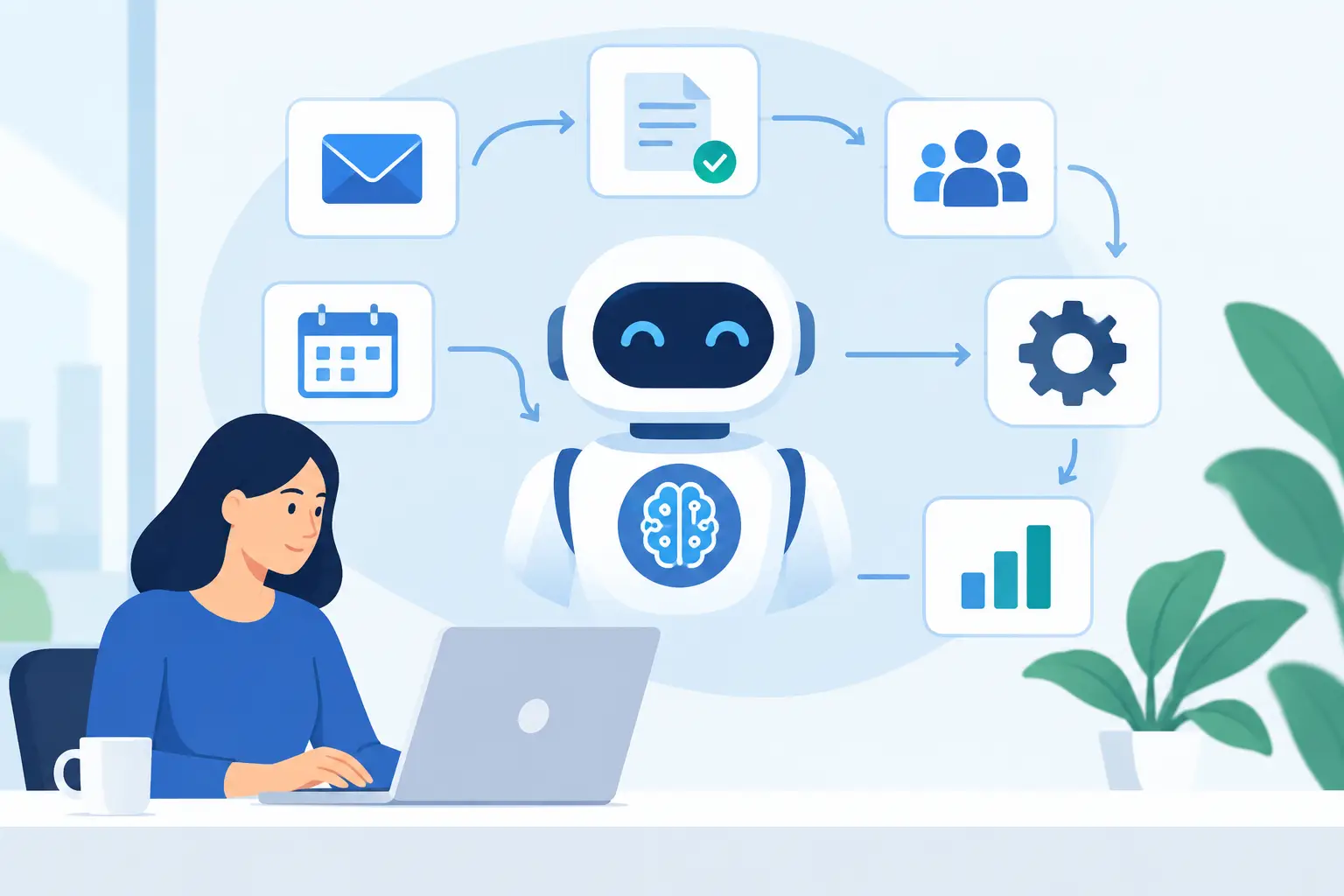
A customer inquiry sits unanswered in a shared inbox. An operations manager spends Friday reconciling spreadsheets. A sales team re-enters the same lead information into three systems. These are not isolated productivity issues. They are signals that a core process is carrying more manual work than it should.
Learning how to automate business processes with AI starts with identifying those repeated decisions, documents, and handoffs that slow your team down. The goal is not to replace every human action with a chatbot. It is to build dependable workflows that move routine work forward, surface exceptions early, and give employees better information when judgment matters.
Start With Processes, Not AI Tools
Many automation projects stall because the team begins with a tool instead of a business problem. A promising AI platform may summarize documents or draft emails, but it will not fix an unclear approval chain, unreliable source data, or a process that changes from one department to another.
Start by mapping a single process from trigger to outcome. For example, an employee expense claim may begin with a receipt upload, move through data extraction and policy validation, require manager approval, and end with an accounting entry. Document who does each step, which systems are involved, how long it takes, and where exceptions occur.
The best early candidates have three characteristics: they are high-volume, rules-based or repetitive, and costly when delayed. Invoice processing, support ticket routing, order-status updates, onboarding documentation, appointment scheduling, lead qualification, and inventory alerts often meet this test.
Do not choose a process solely because it is easy to automate. Choose one where a faster, more consistent result has a clear operational or customer impact.
Where AI Adds Value Beyond Standard Automation
Traditional workflow automation works well when every input follows a known pattern. If a form is complete, route it to the right team. If inventory falls below a threshold, create a purchase request. These rules remain essential.
AI becomes valuable when the process involves unstructured information or a decision that would otherwise require someone to read, classify, compare, or draft. It can extract fields from invoices with different layouts, categorize incoming emails by intent, summarize a long case history, identify missing information in an application, or recommend the next action based on prior records.
A practical AI workflow usually combines both approaches. Rules control the process, permissions, deadlines, and handoffs. AI handles interpretation within defined limits. This combination is more reliable than asking a general-purpose model to manage an entire business process on its own.
Consider a healthcare administration workflow. Standard automation can verify whether a patient form has been submitted and send reminders. AI can read uploaded documents, identify likely missing fields, and prepare a concise summary for a staff member. The staff member still makes any decision involving eligibility, clinical guidance, or sensitive exceptions.
How to Automate Business Processes With AI Step by Step
1. Define a measurable business outcome
Set a baseline before development begins. You might measure average ticket resolution time, cost per invoice processed, lead-response speed, first-time-right data entry, or the number of manual touches per order.
A goal such as “use AI in operations” is too broad to guide a project. “Reduce manual invoice data entry by 60% while maintaining a 98% validation rate” gives the business and engineering teams a target they can design around.
2. Standardize the workflow before automating it
AI can manage variation, but it should not be used to hide operational confusion. Define the trigger, required inputs, owner for each stage, decision rules, service-level expectations, and exception path.
This step often exposes quick improvements that do not require AI at all. Removing duplicate approvals or consolidating two disconnected forms may create immediate value. It also prevents the automated workflow from reproducing existing inefficiencies at greater speed.
3. Prepare the data and system connections
An AI workflow is only as useful as the information it can access safely. Identify the systems of record, such as your CRM, ERP, help desk, commerce platform, document repository, or custom application. Then determine what data is required, who can access it, and how updates will be written back.
Data quality deserves direct attention. Duplicate customer records, inconsistent product names, incomplete historical notes, and scanned documents with poor readability can lower accuracy. In some cases, improving data structure is the larger project. That is not a reason to abandon automation. It is a reason to scope it honestly.
For organizations with complex requirements, custom integration can be the difference between a useful automation and a disconnected AI experiment. The workflow should fit the systems your teams already depend on, not force them into another dashboard.
4. Select the right level of AI capability
Not every process needs a large language model. Document extraction, image recognition, forecasting, anomaly detection, and text classification solve different problems. The right choice depends on the input, required accuracy, processing volume, security needs, and acceptable response time.
For instance, a supply chain operation may use forecasting models to flag demand shifts, while a customer service team may use language models to classify requests and draft suggested replies. An EdTech platform may use AI to organize learner feedback and identify students who need additional support.
Keep the first release focused. A narrow use case with clear inputs and measurable output is easier to validate, improve, and scale than a broad assistant expected to solve every process issue from day one.
5. Build human review into the workflow
Human oversight is a design requirement, not an afterthought. Define confidence thresholds and escalation rules. If the system is highly confident that an invoice field is correct, it may continue automatically. If the result is uncertain, conflicts with a policy, or has financial, legal, or customer-impacting consequences, it should route the case to a qualified employee.
This approach protects quality while allowing the system to handle the routine majority. It also gives teams a practical way to learn where the model performs well and where process rules need refinement.
6. Test with real operating conditions
Testing should include more than ideal examples. Use incomplete forms, ambiguous requests, unusual document formats, duplicate records, and peak-volume scenarios. Confirm that the workflow responds correctly when an external system is unavailable or when AI output does not meet the required confidence level.
Security testing matters just as much. Sensitive business and customer data should have appropriate access controls, retention policies, audit records, and approval boundaries. The right architecture depends on your industry and compliance obligations, especially in healthcare, finance, and other regulated environments.
7. Launch, measure, and improve
Roll out in stages when possible. Start with a defined team, region, request type, or transaction volume. Monitor outcomes against the baseline, gather feedback from users, and review exceptions regularly.
Look beyond time savings. A good automation may improve response consistency, reduce missed follow-ups, strengthen reporting, or make it easier to scale without adding the same level of administrative effort. If the workflow creates new review burdens or confusing handoffs, adjust the process rather than assuming the team will adapt.
Common Mistakes That Reduce ROI
The most expensive mistake is automating a broken process without redesigning it. Close behind are unclear ownership, poor data governance, and treating AI output as final when the use case requires human judgment.
Another common issue is measuring success only by the number of tasks automated. A workflow that processes more requests but generates inaccurate records or weak customer responses is not delivering business value. Accuracy, adoption, exception rates, and customer impact should sit alongside efficiency metrics.
It also helps to avoid a one-size-fits-all architecture. A startup launching an MVP may prioritize speed and a limited integration set. An enterprise may need role-based access, detailed audit trails, high availability, and integration with legacy systems. The workflow design should reflect the actual operating environment.
Build Automation That Can Grow With the Business
The strongest AI automation programs are not isolated scripts. They become part of a connected technology foundation that can support new workflows, teams, channels, and customer demands over time.
That requires clear process ownership, maintainable integrations, monitoring, and a plan for change requests after launch. As business rules evolve, AI prompts, models, validation rules, and user interfaces may need updates too. Ongoing support is how an automation remains dependable after the initial release.
Xornor Technologies helps organizations turn manual workflows into production-ready web, mobile, and enterprise software solutions, from process discovery and MVP delivery through integrations, quality assurance, and post-launch improvement. The best starting point is rarely the biggest process. It is the one where a focused solution can prove value quickly, earn team confidence, and create a practical foundation for the next improvement. Get in Touch when you are ready to turn that process into measurable progress.