An AI assistant that can answer questions is useful. An AI assistant that can check an order, create a support ticket, retrieve a policy document, or update a workflow can change how a business operates. That is where an MCP server explained in practical terms becomes relevant: it is a controlled way to let AI applications use approved business tools and data.
For founders and operations leaders, MCP is not merely another AI acronym. It is an emerging integration pattern that can reduce the custom work required to connect AI experiences with the systems your teams already rely on. The value depends on disciplined architecture, clear permissions, and a realistic view of what should and should not be automated.
What Is an MCP Server?
MCP stands for Model Context Protocol. It is an open protocol designed to help AI clients, such as chat applications or AI agents, connect to external capabilities in a standardized way. An MCP server is the component that exposes those capabilities to the AI client.
Think of it as a secure adapter between an AI assistant and your business environment. Instead of building a separate, one-off integration for every model, agent, database, and software tool, your engineering team can expose approved functions through an MCP server. The AI client can then discover what the server offers and request an action using a consistent format.
Those capabilities can include reading data, searching knowledge bases, retrieving files, calling internal APIs, or performing carefully defined actions. For example, a customer service assistant might search a product catalog and look up an order status. An operations assistant might retrieve inventory levels, flag exceptions, and prepare a report for human review.
The protocol does not give an AI model unrestricted access to your systems. Properly implemented, it provides a defined interface with authentication, authorization, validation, auditability, and limits around every action.
MCP Server Explained: The Core Architecture
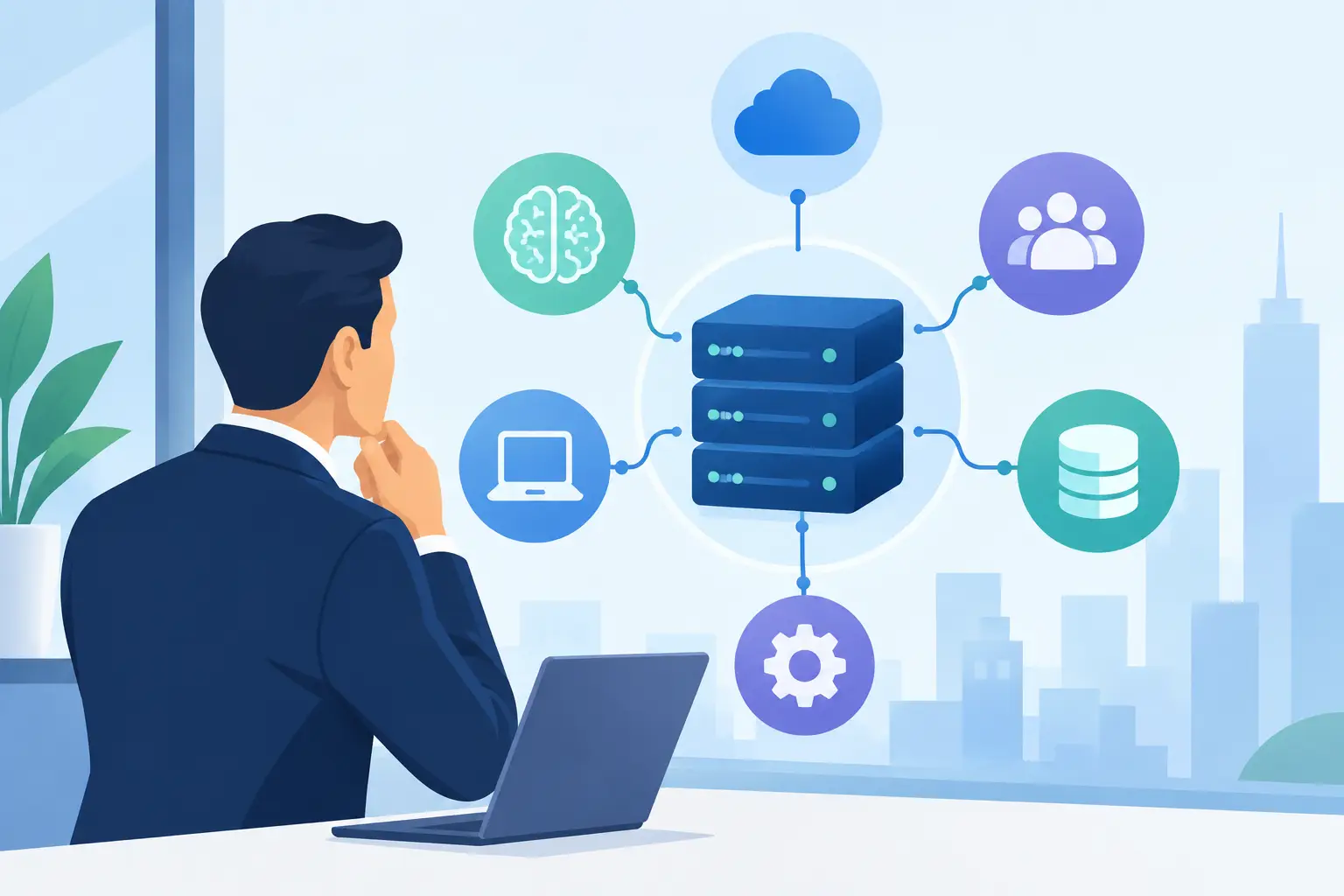
An MCP setup generally has three parts: the AI client, the MCP server, and the business systems behind it.
The AI client is the application where the user interacts with the model. It could be an internal employee assistant, a developer tool, a customer-facing support experience, or an AI feature inside a web or mobile platform. The client decides when to ask the server for additional context or when to request a tool call.
The MCP server defines what the client can access. It may provide three broad categories of functionality. Tools perform actions or retrieve live information, such as creating a task or checking shipment status. Resources expose contextual data, such as policy documents or product specifications. Prompts can provide reusable interaction templates for consistent tasks.
Behind the server are the systems that contain real business value: an ERP platform, CRM, learning management system, healthcare workflow, product database, warehouse system, or proprietary application. The MCP server should not simply pass every request directly to these systems. It should enforce business rules, transform data where needed, and expose only the smallest useful set of actions.
This separation matters. Your AI model may change over time, but the policies around who can approve a refund, see patient information, modify a supplier record, or access payroll data should remain under your control.
Where MCP Creates Business Value
The strongest MCP use cases start with a narrow workflow that is repetitive, information-heavy, and governed by clear rules. It is less effective when the goal is a vague promise to “add AI everywhere.”
In customer support, an AI agent can use approved tools to identify a customer, retrieve order history, check delivery status, and draft a resolution. For sensitive actions such as issuing a refund or changing an address, the system can require confirmation or route the case to an employee.
In enterprise operations, an internal assistant can pull information from multiple fragmented systems. A procurement manager could ask which purchase orders are delayed and receive a response based on current supplier, inventory, and logistics data. The assistant can prepare the work, while people retain ownership of high-impact decisions.
For EdTech platforms, MCP can help an assistant retrieve course content, learner progress, assignment deadlines, and support guidance from authorized sources. In healthcare and regulated industries, the opportunity is real, but access control and audit requirements must shape the design from the beginning.
Development teams can also use MCP servers to give AI coding assistants controlled access to documentation, issue trackers, source repositories, test results, and deployment information. This can speed up investigation and reduce context switching, provided credentials and production access are tightly managed.
Why Standardization Matters
Before MCP, many AI integrations followed a familiar pattern: connect a model to a custom API layer, write model-specific instructions, and repeat the work when a new AI client or tool is introduced. That approach can work for a single use case. It becomes expensive and difficult to govern as AI capabilities spread across departments.
A common protocol gives product and engineering teams a reusable contract. Rather than rebuilding basic connection logic repeatedly, they can focus on the quality of the tools, the business rules behind them, and the user experience around AI-generated actions.
Standardization also supports portability. If your organization chooses a different AI client or model provider later, the integrations do not necessarily need to be redesigned from scratch. That does not eliminate migration work, but it can reduce dependency on one interface or vendor-specific pattern.
There is a trade-off. A standard protocol is not a substitute for sound system design. A poorly scoped MCP server can still expose unreliable data, create confusing user flows, or allow actions that should require human approval. The protocol makes integrations more consistent, not automatically safer or more valuable.
Security and Governance Cannot Be an Afterthought
An MCP server often sits close to systems containing customer, financial, operational, or proprietary data. Treat it as part of your security boundary, not as a lightweight AI experiment.
Start with least-privilege access. A support assistant should receive only the permissions necessary to support customers. It should not have broad administrative access because that is easier to implement. Separate read-only capabilities from write actions, and require explicit approval for transactions with financial, legal, safety, or compliance consequences.
Validate every input before it reaches internal services. AI-generated requests can be incomplete, mistaken, or manipulated through malicious content. Your server should enforce schemas, rate limits, allowed values, tenant boundaries, and business rules independently of the model’s reasoning.
Logging is equally essential. Record which user initiated a request, which tool was called, what data was accessed, what action was attempted, and whether it succeeded. In regulated environments, audit trails, consent controls, retention rules, and data residency requirements may determine whether a use case is viable.
Human review should remain part of the workflow where judgment matters. An AI assistant can recommend a loan follow-up, a treatment scheduling step, or a supplier escalation. It should not be allowed to make consequential decisions without the appropriate controls and accountability.
How to Build an MCP Server That Delivers Results
The best implementation approach is incremental. Start by mapping a workflow where delays come from searching across systems, copying information manually, or navigating repetitive steps. Define the business outcome before selecting the model or building the server.
Next, identify the minimum useful tools. If an employee assistant needs to answer order questions, it may only need customer lookup, order lookup, shipment tracking, and return-policy retrieval. Avoid exposing an entire backend API just because it exists. Smaller tool surfaces are easier to test, secure, and maintain.
Then design the server as a production integration layer. Use established authentication, enforce role-based permissions, implement error handling, and return clear results that the AI client can interpret correctly. Your tool descriptions matter because they guide the model’s choice of action, but they should never be your only control mechanism.
Testing must go beyond happy-path requests. Test incorrect identifiers, conflicting permissions, incomplete data, duplicate submissions, slow upstream systems, and attempts to trigger disallowed actions. Measure whether the workflow is actually faster, whether users trust the output, and how often human intervention is required.
For many businesses, an MVP should begin with read-only access or draft generation. Once the assistant proves useful and reliable, teams can introduce controlled write actions with approvals. This progression protects the business while still moving quickly toward measurable operational gains.
Choosing Between a Custom Server and Existing Connectors
A prebuilt connector can be a sensible starting point when the use case is simple, the underlying SaaS platform is standard, and the data is not highly sensitive. It can reduce initial development time and help a team validate demand.
A custom MCP server is usually the better choice when your competitive process relies on proprietary workflows, multiple internal systems, specialized permission rules, or domain-specific logic. It also gives you more control over performance, monitoring, data handling, and long-term change management.
The decision is not purely technical. If the AI experience will become part of your core product or handle critical operations, ownership of the integration layer deserves serious attention. A shortcut that works for a demo may create expensive limitations after launch.
MCP is most valuable when it turns AI from a standalone chat interface into a dependable participant in a real workflow. Start with one high-value process, build the controls that protect your customers and operations, and expand only when the results justify it. Xornor Technologies can help translate that operational goal into a production-ready AI architecture that your team can scale with confidence.